
Blog
How Many Products Should You Upload to Start an Online Store?

Introduction
Starting an online store is an exciting step for any entrepreneur. However, many beginners ask the same question:
How many products should you upload before launching your online store?
Some people think they need hundreds of products, while others start with just a few items. The truth is that the ideal number depends on your niche, strategy, and platform.
Platforms like WooCommerce make it easy to upload and manage products, but choosing the right starting number can help your store look professional and trustworthy.
In this guide, we’ll explain the recommended number of products for new online stores and how to upload them properly for better visibility and growth.
Why the Number of Products Matters
When customers visit an online store, they expect to see a variety of products.
A store with only one or two products may look incomplete or untrustworthy.
Uploading more products helps:
- Build customer trust
- Improve store appearance
- Increase chances of sales
- Improve SEO visibility
Search engines like Google also prefer websites with more useful content and product pages.
Each product page can act as a potential entry point for traffic.
Minimum Products Needed to Start an Online Store
For beginners, the recommended number of products is:
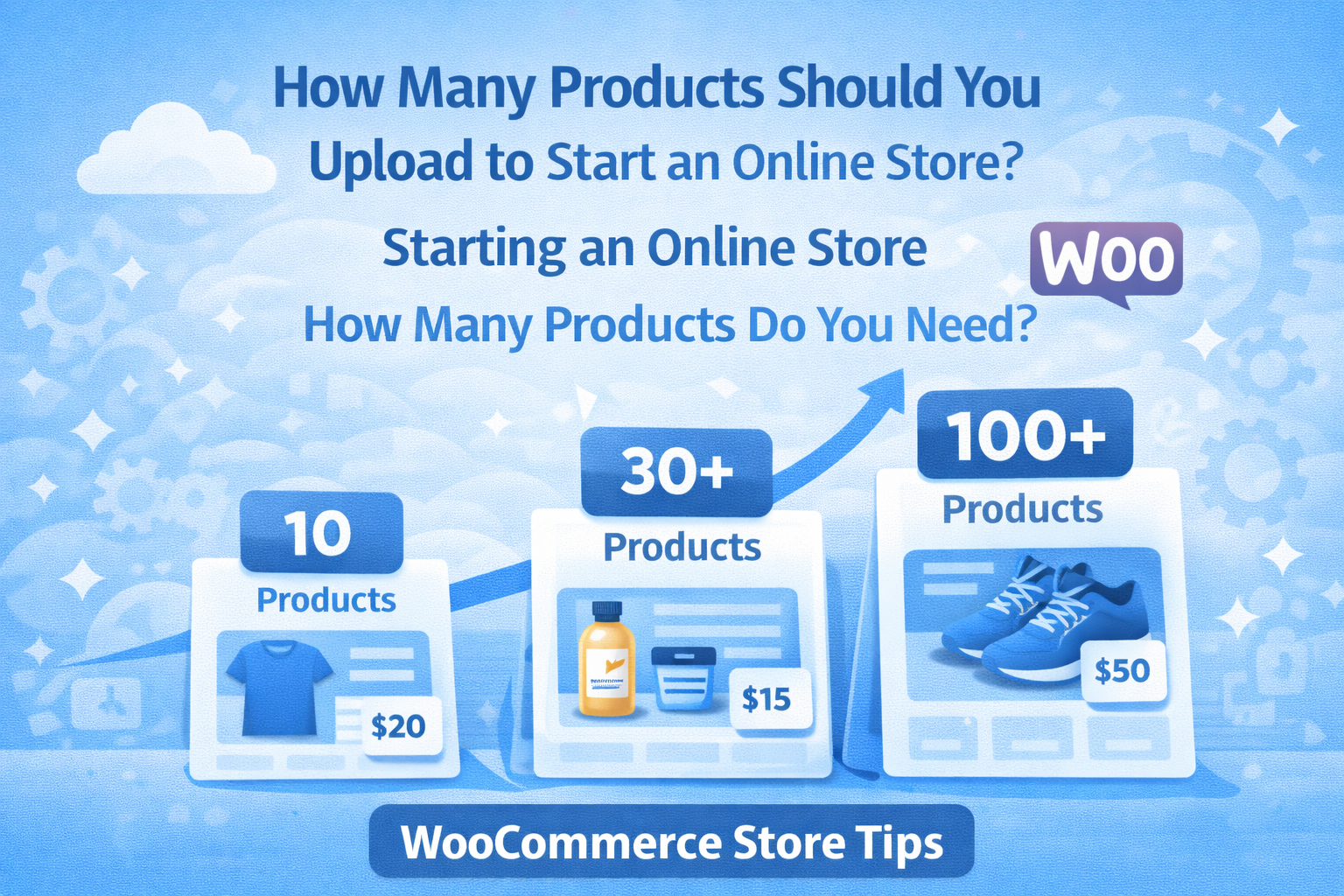
10 – 20 Products (Minimum)
Uploading at least 10 to 20 products helps your store look legitimate.
Benefits:
- Customers have choices
- Store looks complete
- Product categories can be created
Many small stores start with this number and expand later.
Ideal Number of Products for a New Store
A more professional starting point is:
30 – 50 Products
Stores with around 30–50 products appear more established and trustworthy.
Advantages include:
- Better product variety
- More pages indexed by search engines
- Higher chance of sales
Many successful WooCommerce stores launch with around 40 products.
Large Product Stores
Some online stores start with a much larger inventory.
100+ Products
Stores with 100 or more products can attract more traffic and sales opportunities.
Benefits include:
- Larger product catalog
- Better SEO potential
- More long-tail keywords
However, uploading this many products requires time and proper organization.
Quality Matters More Than Quantity
While the number of products is important, product quality is even more critical.
Each product should include:
- Clear product title
- High-quality images
- Detailed description
- Proper category placement
- SEO optimization
Poorly uploaded products can hurt your store’s reputation and reduce conversions.
Tips for Uploading Products the Right Way
To create a professional online store, follow these product upload best practices.
1. Use Clear Product Titles
Your product title should describe exactly what the product is.
Example:
Men's Cotton Casual T-Shirt – Black
Avoid vague titles that don’t help customers understand the product.
2. Add High-Quality Product Images
Images are one of the most important elements of an online store.
Tips:
- Use high-resolution photos
- Add multiple images
- Show different angles
Good images increase buyer confidence and improve conversions.
3. Write SEO-Friendly Product Descriptions
Descriptions help customers understand your product and help search engines rank your page.
Include:
- Product features
- Benefits
- Specifications
- Keywords naturally
SEO descriptions can bring traffic directly from search engines.
4. Organize Products into Categories
Categories help customers navigate your store easily.
Example categories:
- Clothing
- Accessories
- Electronics
- Home decor
Organized stores provide a better shopping experience.
5. Add Product Attributes
Attributes help customers filter products.
Examples:
- Color
- Size
- Material
- Brand
This improves usability and helps shoppers find products quickly.
How Product Uploading Affects SEO
Each product page can rank in search engines.
When you upload more optimized products, your website has more chances to appear in search results.
SEO benefits include:
- More indexed pages
- More keyword opportunities
- Higher organic traffic
This is why many online stores continuously add new products.
Should You Upload All Products at Once?
Not necessarily.
Many store owners follow a gradual strategy:
Week 1: Upload 20 products
Week 2: Upload 20 more
Week 3: Optimize existing listings
This approach helps maintain quality and organization.
When to Outsource Product Upload
Uploading products can be time-consuming, especially for stores with large inventories.
Many store owners hire professionals to handle:
- Product data entry
- Image uploading
- Product descriptions
- Category organization
- SEO optimization
Outsourcing helps business owners focus on marketing and sales.
Professional WooCommerce Product Upload Service
If you need help uploading products to your online store, professional assistance can save time and improve your store quality.
I help online store owners with:
- WooCommerce product uploads
- Product listing optimization
- Image placement and formatting
- SEO-friendly descriptions
- Category and attribute setup
You can view my services on Fiverr, where I assist eCommerce businesses with product listing and store management.
These services help store owners launch and grow their stores more efficiently.
Final Thoughts
Starting an online store does not require hundreds of products immediately.
A good strategy is to begin with:
- 10–20 products (minimum)
- 30–50 products (recommended)
- 100+ products (large stores)
Focus on quality product listings, good images, and SEO optimization to make your store look professional and trustworthy.
As your business grows, you can continuously add new products and expand your store catalog.
With the right strategy and proper product uploads, your online store can grow steadily and attract more customers.