
Blog
WordPress Blog Formatting Guide for Professional Looking Articles

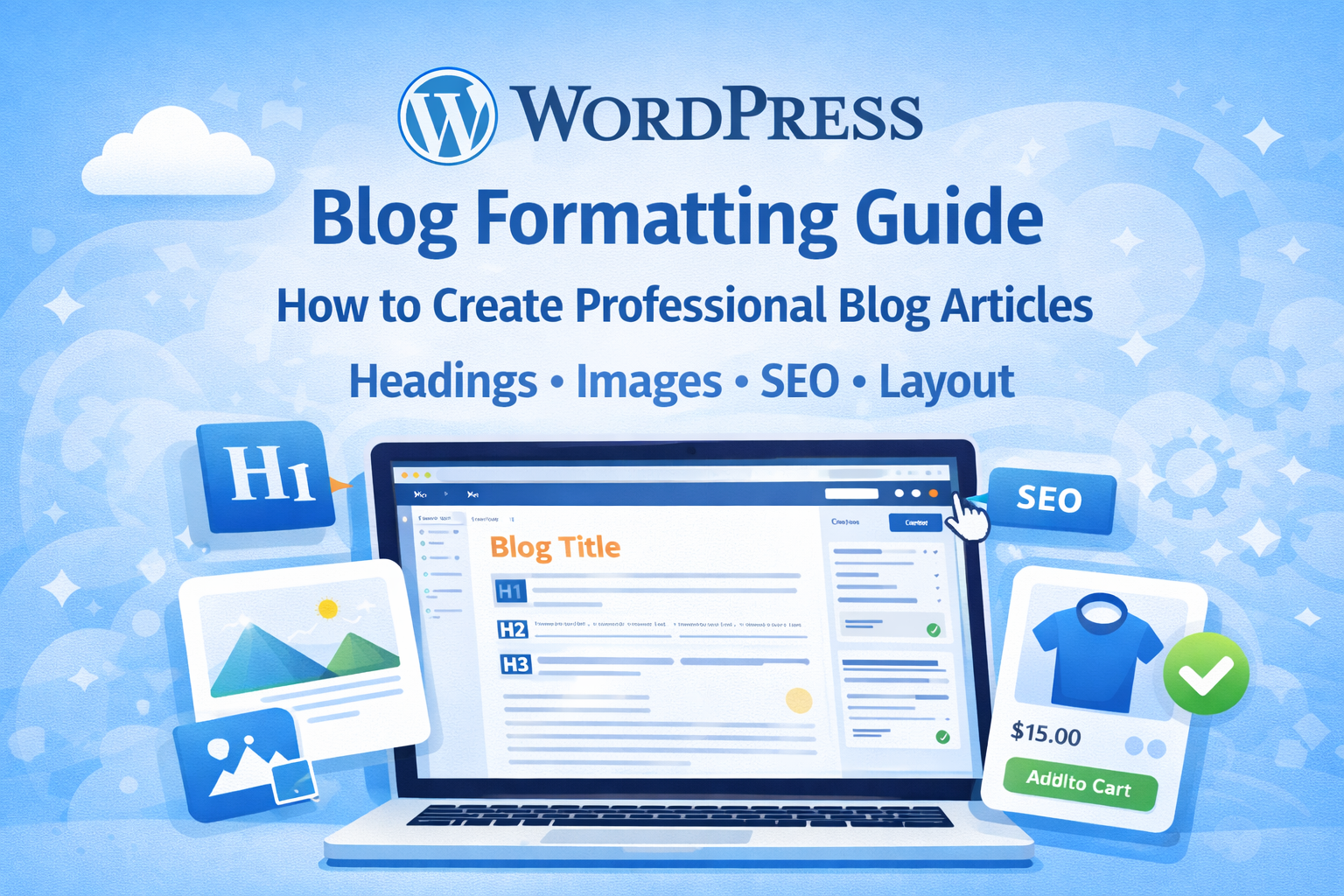
Writing a blog post is only half the job. The other half is proper formatting.
A poorly formatted blog article can make even great content look unprofessional and hard to read. Visitors may leave your site quickly if the text appears cluttered, messy, or difficult to scan.
Professional blog formatting helps:
- Improve readability
- Increase user engagement
- Boost SEO rankings
- Make your website look trustworthy
If you run a blog or a WordPress website, learning the correct way to format your articles is essential. In this guide, you will learn how to format WordPress blog posts like a professional.
Why Blog Formatting Matters
Many beginners publish articles in WordPress without thinking about layout.
However, formatting plays a major role in user experience and SEO.
Well-formatted posts help readers:
- Scan content quickly
- Understand key points
- Stay longer on your website
Search engines like Google also prefer content that is easy to read and structured properly.
Good formatting can increase:
- Time on page
- Search rankings
- Conversion rates
Step 1: Use Proper Headings (H1, H2, H3)
Headings organize your content and help readers navigate easily.
A typical blog structure should look like this:
- H1: Blog Title
- H2: Main Sections
- H3: Subtopics
Example:
H1: WordPress Blog Formatting Guide
H2: Why Blog Formatting Matters
H2: How to Add Images
H3: Image SEO Tips
Headings also help search engines understand your content structure.
Step 2: Keep Paragraphs Short
Large blocks of text can scare readers away.
Instead, use short paragraphs (2–3 lines).
Example:
❌ Bad formatting
Long paragraphs with many sentences that look overwhelming
and difficult to read on both desktop and mobile devices.
✅ Good formatting
Short paragraphs are easier to read.

They also improve user experience on mobile devices.
Short paragraphs make your article look cleaner and more professional.
Step 3: Use Bullet Points and Lists
Lists help readers quickly understand important information.
Example:
Benefits of blog formatting:
- Better readability
- Improved SEO
- Higher engagement
- Professional appearance
Lists break up text and make your content easier to scan.
Step 4: Add Images to Your Blog Posts
Images make articles visually appealing and keep readers engaged.
A good blog post usually includes:
- Featured image
- Section images
- Infographics
Images help explain concepts and make long content easier to digest.
However, remember to optimize images for SEO.
Best practices include:
- Use descriptive file names
- Add ALT text
- Compress images for faster loading
These steps help search engines understand your images and improve page speed.
Step 5: Use White Space Properly
White space is the empty space around text and images.
It makes content look clean and organized.
Professional blogs avoid cluttered layouts by adding:
- Space between paragraphs
- Space between sections
- Padding around images
Good white space improves readability and gives your blog a modern design.
Step 6: Highlight Important Information
Sometimes you want readers to focus on important points.
You can highlight information using:
- Bold text
- Quotes
- Callout boxes
Example:
Tip: Always format your blog posts before publishing.
Highlighting important information helps readers remember key ideas.
Step 7: Optimize Blog Posts for SEO
Formatting and SEO work together.
To improve search rankings, follow these steps:
1. Use Keywords Naturally
Include your focus keyword in:
- Title
- Headings
- First paragraph
- Image alt text
2. Add Internal Links
Link to other pages on your website.
Example:
If you offer services like WooCommerce product upload, you can link to that page.
3. Use Meta Description
A good meta description helps improve click-through rates in search results.
Step 8: Make Articles Mobile Friendly
More than half of website traffic now comes from mobile devices.
Make sure your blog formatting works well on small screens.
Tips:
- Use short paragraphs
- Avoid large images
- Use readable font sizes
Mobile-friendly formatting improves user experience and SEO.
Step 9: Add a Clear Call-to-Action
At the end of your blog post, encourage readers to take action.
Examples include:
- Contact you for services
- Subscribe to your newsletter
- Read another article
For example:
If you run a WordPress website but struggle with formatting blog posts, you can hire a professional to format your articles for better readability and SEO.
Final Thoughts
Blog formatting is an essential skill for anyone running a WordPress website.
Proper formatting helps:
- Improve readability
- Increase engagement
- Boost SEO rankings
- Make your website look professional
By using headings, images, short paragraphs, and optimized layouts, you can transform ordinary blog posts into high-quality professional articles.
If you want your WordPress blog to stand out, start applying these formatting techniques today.

